Welcome to mySDCCD
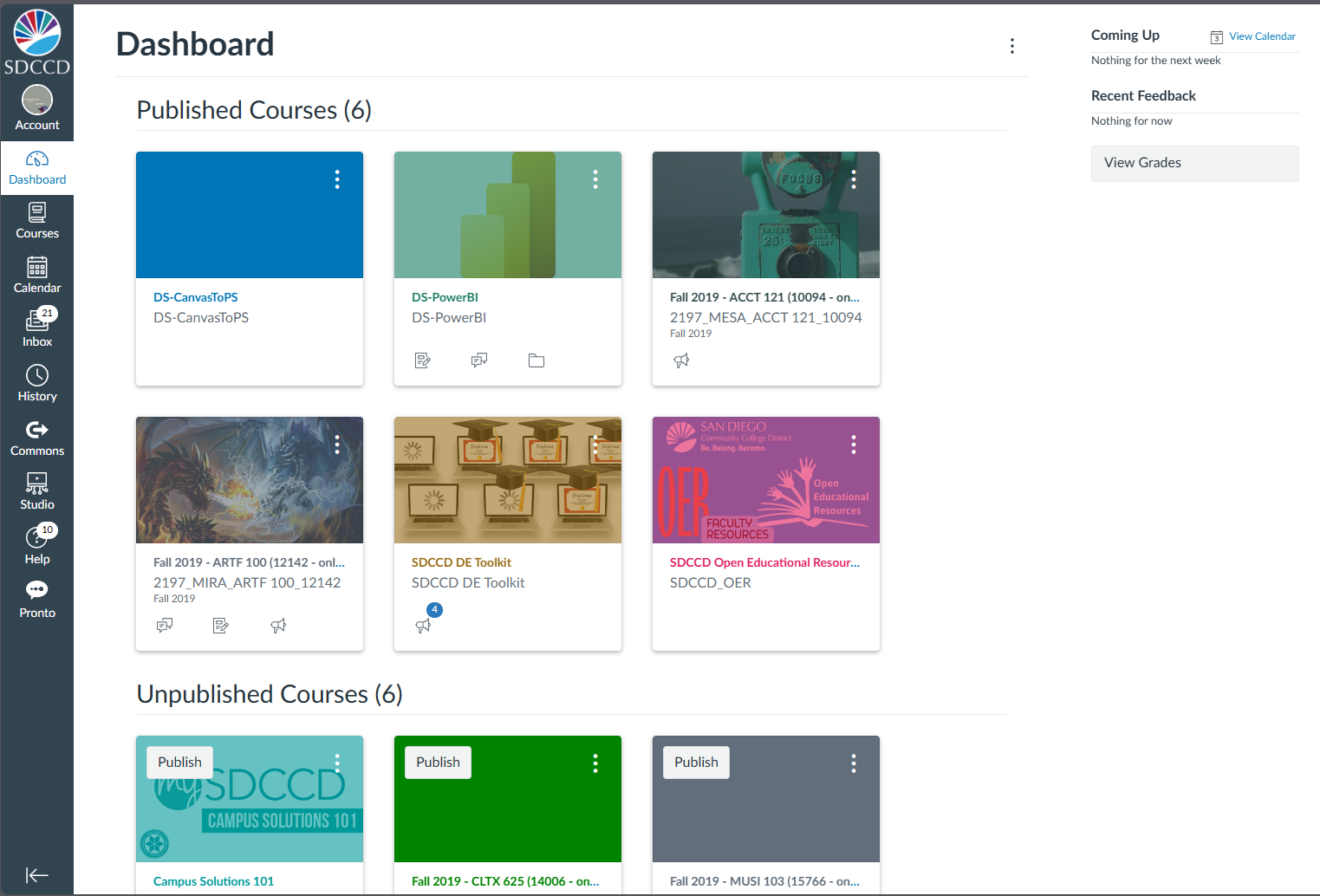
mySDCCD is the portal for admissions, student records, financial aid, employee resources and more. It's your one-stop show for everything SDCCD. Use the links below to access mySDCCD, Canvas, the Class Schedule and more.
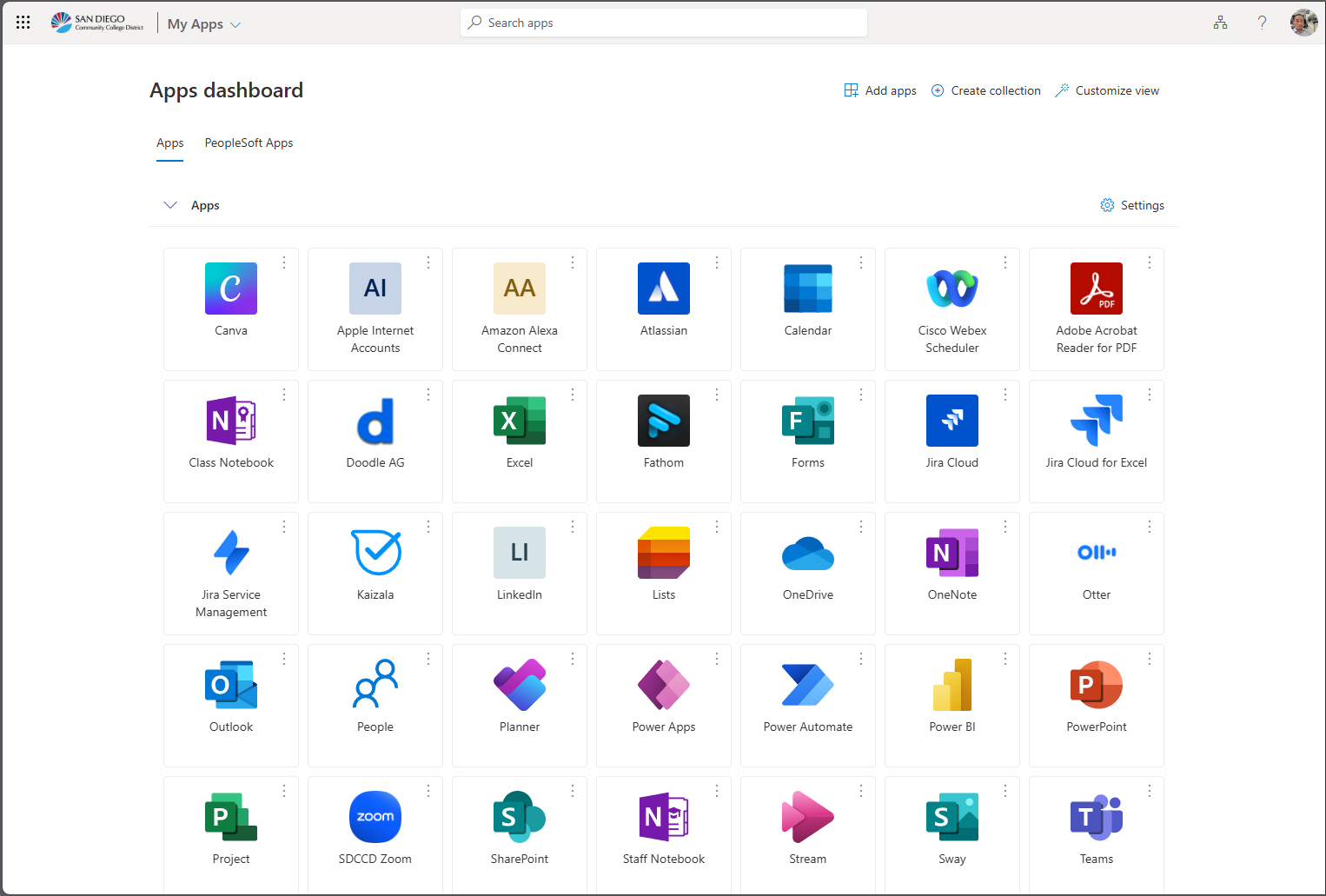
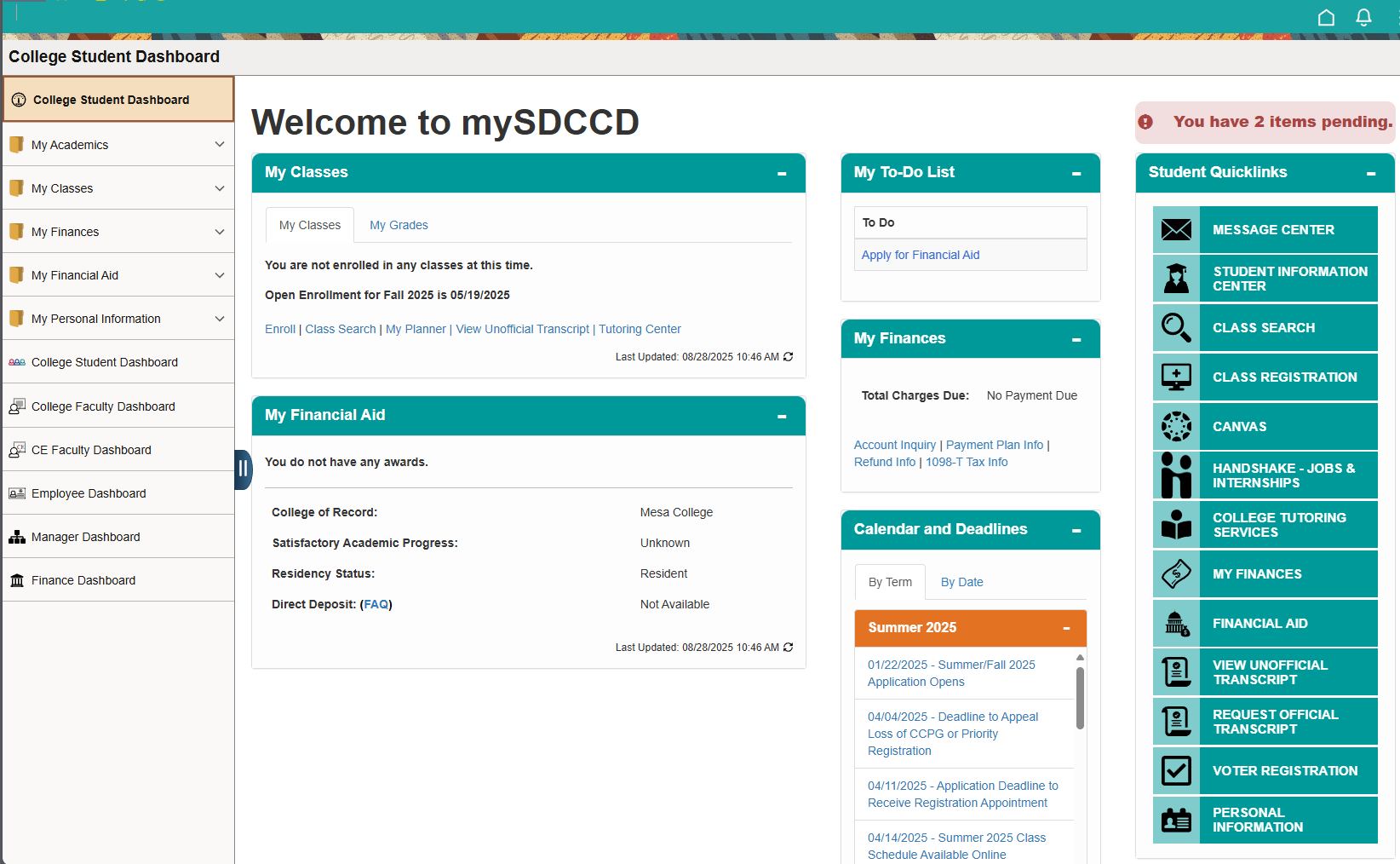
mySDCCD
Click here to login to mySDCCD to access registration, financial aid, employee info and more. Users will login using their mySDCCD username (@sdccd.edu or @student.sdccd.edu)
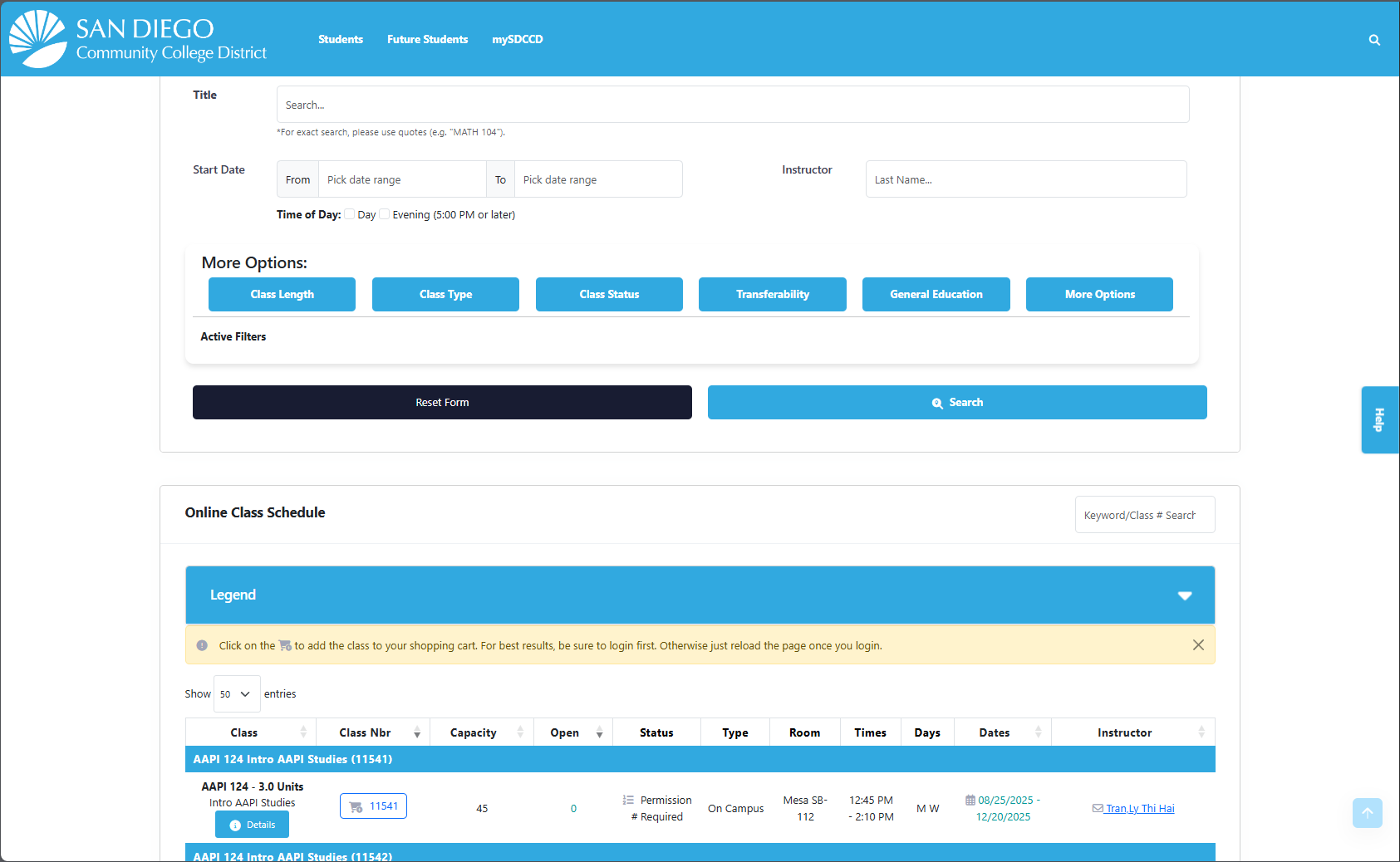
Class Schedule
View classes being offered on our new online Class Search. Login not required.


Need Assistance?
New Students
- Have you already created your password and security questions?
- Refer to your Welcome to mySDCCD email for your ID and instructions.
- Haven't applied yet? Allow 2 hours for processing. Apply Now
Returning Students
- If you logged into mySDCCD previously and forgot your password, answer your security questions to reset your password.
- All students must have an active application on file to access mySDCCD. If you have not attended in over a year, please submit a new application.
Technical Information
- Chromebooks do not work well with mySDCCD. Chromebook users should download Firefox in the Google Play Store to access the portal.
- Compatible browsers: Safari Mac OS (16+)/iOS (14+), Chrome Win (120+)/Android (13+), Edge (120+), Firefox (115 ESR)
New Staff/Faculty
- Welcome! Have you already created your password and security questions?
- If you have not, please refer to your "Welcome to SDCCD - PeopleSoft Portal Login Process!" email, or contact your supervisor/manager.
Returning Staff/Faculty
- If you logged in previously and forgot your password, please click on the "Forgot Password" button below.
- Staff/Faculty must have an active assignment to be able to access the mySDCCD Employee Dashboard.
- If you need additional assistance, please contact the IT Help Desk or call 619-388-7000.
- Chromebooks do not work well with mySDCCD. Chromebook users should download Firefox in the Google Play Store to access the portal.
- Compatible browsers: Safari Mac OS (16+)/iOS (14+), Chrome Win (120+)/Android (13+), Edge (120+), Firefox (115 ESR)